Dev Log #1 – First Prototype and Movement System
We have passed the first major milestone in the Battlestrike development process: we have launched the first "playable" prototype. In this diary, we will share what we have done regarding the core movement system, camera controls, and character animations we are currently working on, and why we prioritized these areas.
Our main goal at this stage is very clear: The player should be able to move freely on the map, should not struggle while aiming, and the "fluid" feeling should not be lost, especially on mobile devices. The pace of a game depends on how naturally the player controls the character. That is why in the first prototype, we focused on the control scheme and game feel (game feel) rather than visuals.
What is in the first prototype?
Our current prototype is designed to allow us to test the building blocks of gameplay:
- Core movement system: Walking/running, turning, acceleration-deceleration behaviors.
- Camera controls: Rotating the camera with the right thumb on mobile, ensuring visibility is maintained while approaching or moving away from targets.
- Character animations: Natural transitions during momentum changes, turning animations, and smooth transitions from running to stopping.
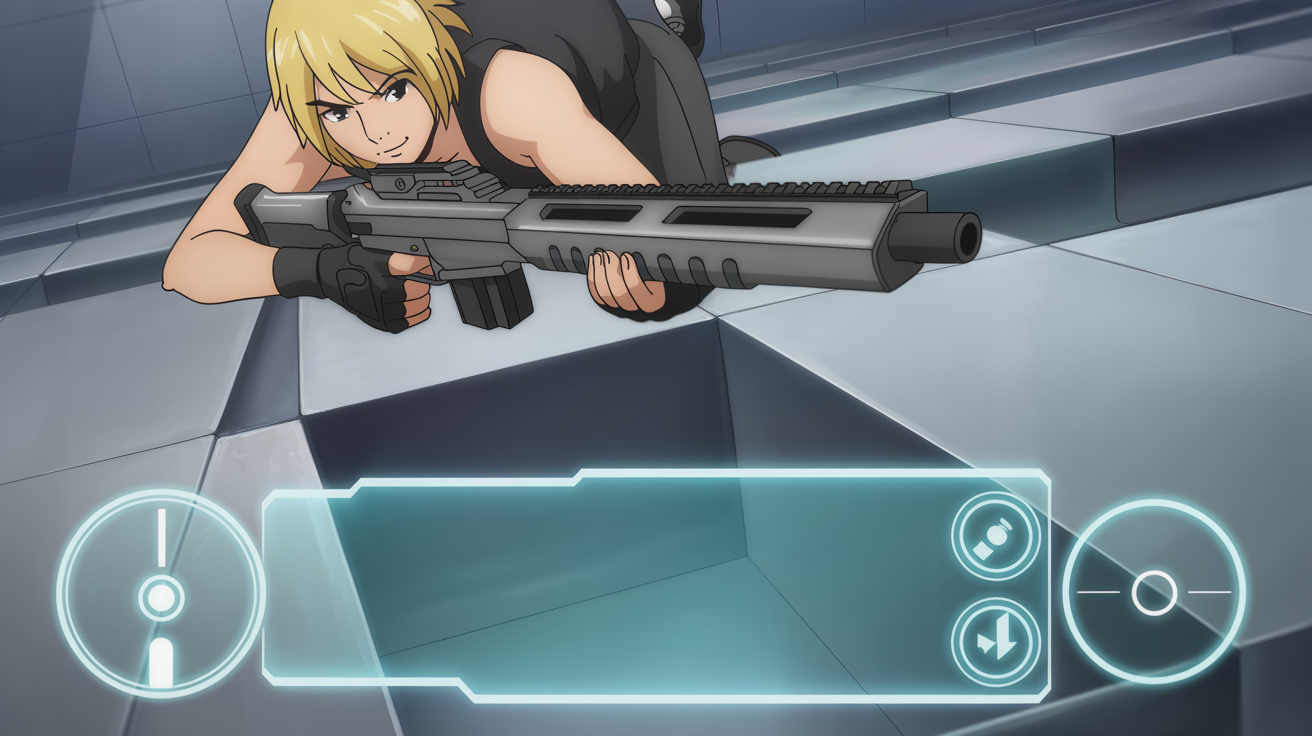
- Aiming feel: Ensuring the aiming line doesn’t "slip" while the camera and joystick work in tandem.
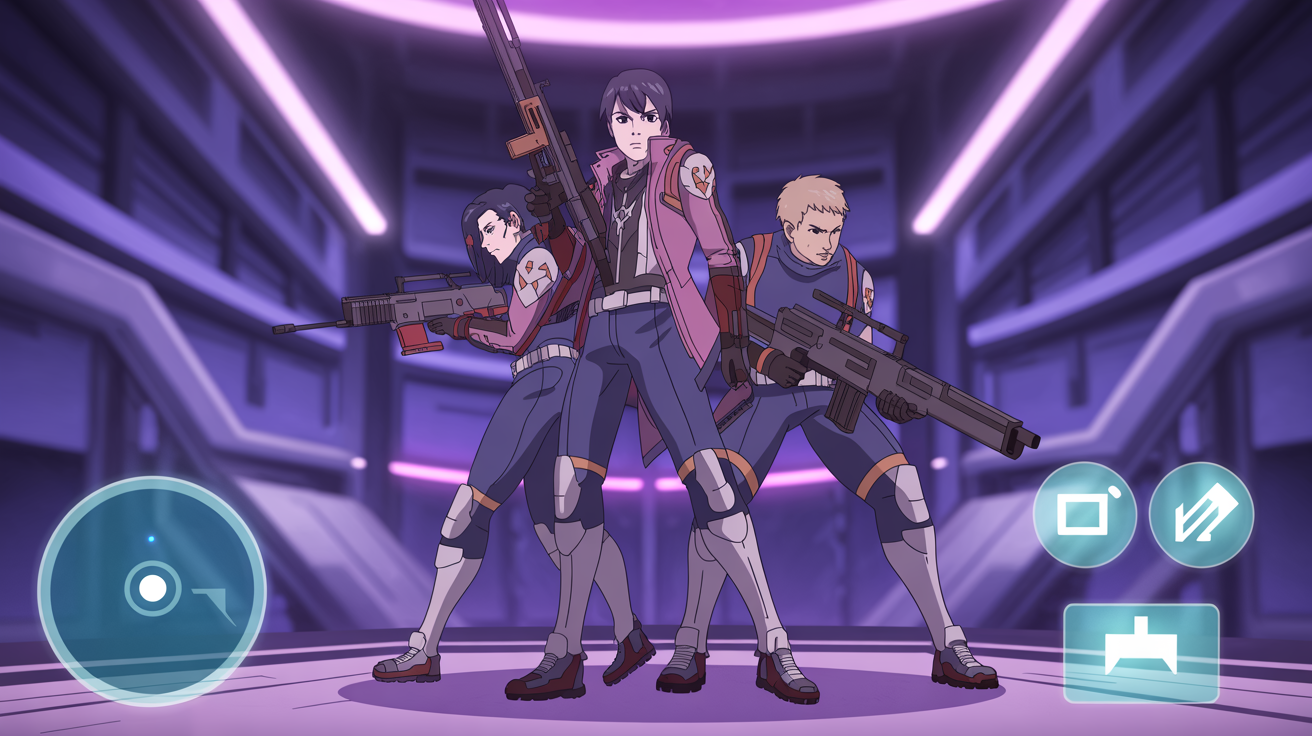
In this first version, some assets (character models, environmental objects, icons) are currently at the concept/placeholder level. We want the "control and feel" to settle first. Design and visual quality progress much faster on a solid foundation.
Why is control feel so critical on mobile?
Mobile players do not have high-precision control devices like keyboards and mice. Everything happens on a touch screen and within a limited area. This forces us to address three basic issues:
- Joystick feel (analog control): Should character direction changes be instantaneous, or should a subtle smoothing be applied?
- Sensitivity: The camera rotation speed must be consistent with finger movement and not be "too fast or too slow."
- Button placement: Aiming, camera movement, and firing actions must be usable without conflict in the right hand, while the left hand retains a comfortable movement area.
That is why, during the prototype process, we are most heavily testing the "harmony between the player's finger and the game's response."
Movement system: "Controlled but not slippery"
In the movement system, we specifically focused on two scenarios:
- Micro-movements: Ensuring the character doesn’t "slide too much" when the player makes small corrections.
- Sudden direction changes: A controlled transition between character orientation and camera alignment during turns.
Some mobile games can feel fast but slippery. Our goal is to maintain the tempo while giving the player the feeling of "full control." To achieve this balance, we are experimenting with acceleration and deceleration curves.
Camera controls: Focus on combat, not fighting the controls
The camera is the heart of the mobile aiming experience. If the camera is too fast, the player misses the target; if it is too slow, they can't keep up. Additionally, with joysticks and action buttons on the screen, the area for finger movement is limited.
In this prototype, we are testing the following for the camera:
- Horizontal/Vertical sensitivity separation: Should horizontal turns be faster and vertical movements more controlled?
- Camera smoothing: A small amount of smoothing to reduce jitter and sudden jumps.
- Close-quarters scenarios: Camera control should not create "panic" in close-range combat.
- Stability while aiming: Camera/aim alignment should not exhaust the player while they are moving.
The Goal: The player should not struggle with the "controls" while aiming; they should focus on the "combat."
Animations: Important even in prototype
Animations at this stage are not for "show," but for feedback. Character running, stopping, turning—all give cues to the player about the game state. For example:
- A slight balance animation when the character stops makes the player feel in control.
- Turn animations make direction changes readable.
- A soft transition from running to stopping makes the movement feel more "premium."
Even if prototype animations are simple, correct transitions significantly affect the feel of the game.
Touch button placement: Ergonomics testing
We are currently testing different layouts for button placement. Specifically:
- The area naturally reached by the right thumb (fire, aim, jump/interaction).
- The size of the joystick area on the left side.
- The probability of accidental presses when buttons are too close.
- Ensuring the layout remains consistent between large and small screens.
Our goal is not to create a single "one size fits all" layout; if possible, we want to offer customization with different layout options in the future.
Performance: Fluidity is everything
On mobile devices, a "fluid" feel often comes before visual quality. Therefore, even in the prototype stage, we track core performance checks. A stable frame rate, low touch latency, and instant camera/joystick response are critical for us.